Blog
How to read your utility bill without guessing
Translate your utility bill into kWh, therms, and actual costs per end-use so you can target the right upgrade.
You open your bill, see the total, and think, “How is this number possible?”
If you want lower bills, you need to know where that number comes from. This guide walks through the key parts of a typical electric and gas bill so you can spot what you are paying for, catch errors, and feed clean numbers into a bill breakdown calculator or your home energy plan.
By the end, you will know:
- Which lines on the bill matter most.
- How to find your real rate per kWh or per therm.
- How fixed fees, supply, and delivery charges stack up.
- How to tell when something on the bill looks off.
Keep a recent bill in front of you while you read if you can.
On this page
- Why your bill feels confusing on purpose
- Step 1: focus on four key numbers
- Step 2: find and label your usage charges
- Step 3: separate fixed charges from usage
- Step 4: understand supply vs delivery
- Step 5: spot rate plan type and traps
- Step 6: read the gas side without getting lost
- Step 7: check for estimated reads, weird spikes, and one-off charges
- Step 8: build a one page snapshot from your bill
- Where your planning tools fit in
- Quick FAQ: reading your bill
Why your bill feels confusing on purpose
Utility bills grew over time as regulators, programs, and new rate plans piled on. Instead of one simple “power bill,” you see:
- Supply or generation charges.
- Delivery or distribution charges.
- Fixed fees and customer charges.
- Riders, surcharges, and taxes.
Many utilities show these on separate pages with dense abbreviations. Guides from utilities and regulators list the pieces, but they are written for compliance first and humans second.
You do not need to memorize every acronym. You only need to know which lines drive your cost and what you can influence.
Step 1: focus on four key numbers
Every electric or gas bill has a lot of noise, but four numbers matter for planning:
- Billing period length
- Usage during that period
- Total cost for that service
- Rate plan name
On the front page or “summary” box, look for:
- Start and end dates for the billing period.
- Usage for the period, often in a small box or chart.
- Total new charges for electricity, and for gas if you have it.
- The rate plan name, for example “Residential flat rate,” “Time-of-use,” or similar.
If your bill covers 35 days instead of 29, expect a higher total. When you compare bills or plug numbers into tools, work with average per day or per month, not only the raw total.
A quick conversion for your summary:
- kWh per day = total kWh on the bill ÷ number of days.
- Therms per day = total therms ÷ number of days.
Most U.S. homes average around 30 kWh per day across the year, but that swings a lot by region and season.
Now you have your first anchor: how hard your home pulls energy over time.
Step 2: find and label your usage charges
The next job is to see how the utility charges for that usage.
On the pages that list “Details of electric charges” or “Delivery and supply,” find:
- A line that shows your meter readings and kWh for the period.
- One or more lines that show kWh multiplied by a rate, for example “500 kWh @ $0.14”.
- For gas, therms (or CCF) multiplied by a rate.
You will often see more than one block of kWh at different rates. That means you are on a tiered or time-of-use plan.
Common patterns:
- Flat rate: one block of kWh at one rate.
- Tiered rate: first block at one rate, next block at a higher rate.
- Time-of-use: separate lines for “on-peak,” “off-peak,” and sometimes “mid-peak” hours.
Your goal here is simple:
- Write down each rate and which kWh it applies to.
- Calculate your average energy price; total energy charges ÷ total kWh.
For example:
- 300 kWh @ $0.12 = $36
- 200 kWh @ $0.18 = $36
- Total energy charges = $72
- Total kWh = 500
- Average energy price = $72 ÷ 500 = $0.144 per kWh
That average tells you what you are paying now. Upgrade calculators love that number.
Step 3: separate fixed charges from usage
Many bills have a customer charge or basic service fee before any energy use. This fee covers things like meter reading and account management. It can be a few dollars or more than twenty dollars, depending on the utility.
You cannot lower a fixed fee by saving energy, so you should know how much of your bill you cannot touch.
Look for:
- “Customer charge,” “basic charge,” or “service charge.”
- “Minimum bill” on some rate plans.
Make a second small summary:
- Fixed fees this month, summed together.
- Usage based charges, summed together.
- Taxes and other fees.
If your bill is 140 dollars and 25 dollars of that is fixed charges, then energy use and rates explain the other 115 dollars. That is the part where upgrades, behavior changes, and rate choices matter most.
Step 4: understand supply vs delivery
In many regions, your bill splits charges into two main buckets:
- Supply, generation, or energy charge: the cost of producing or buying the electricity or gas.
- Delivery, distribution, or transmission charge: the cost of moving it across wires or pipes to your home.
Even if you buy supply from a separate company, your utility still charges for delivery.
Why this matters:
- If supply prices rise, switching suppliers or adding solar may help.
- If delivery costs dominate, local infrastructure and policy play a bigger role.
You still add both to calculate your real cost per kWh or per therm. When you compare “average electric price” to savings from efficiency or solar, you use supply + delivery, not only supply.
Step 5: spot rate plan type and traps
Your rate plan controls how painful each kWh or therm is at different times.
Look on the bill for the rate name or code. Common types:
- Flat rate: one price per kWh, no time bands.
- Tiered rate: price jumps after certain usage levels each month.
- Time-of-use (TOU): higher prices during peak hours, lower off-peak.
- Less common for homes, but appearing more often: demand charges, where a fee is based on your highest short interval of use during the month.
Simple ways to read this:
- On flat or tiered plans, the total for the month is what matters most.
- On TOU plans, when you use energy matters as much as how much.
- On demand plans, avoiding short spikes (everything on at once) can save money.
If you are on TOU or demand rates, find:
- Peak hours listed on the bill or in the rate description.
- Any charts that show your usage by time of day.
Those charts help you see if your routine lines up badly with the rate rules. Moving laundry, dishwashing, or charging to off-peak windows can cut costs without any hardware changes.
Step 6: read the gas side without getting lost
Gas and other fuel bills follow the same structure, with different units.
Look for:
- Usage in therms, CCF, or MCF.
- A conversion factor, for example “CCF × heat content factor = therms.”
- A charge per therm or per CCF, plus a customer charge.
You want the same three numbers:
- Total therms this period.
- Total gas charges before tax.
- Average price per therm; total gas charges ÷ therms.
More than half of energy use in many homes goes to heating and cooling, so gas prices have a clear impact on your upgrade choices.
If gas is cheap in your area, some upgrades look less appealing on pure payback than in a region with higher prices. Your bill shows you the real local fuel cost; do not rely only on national averages.
Step 7: check for estimated reads, weird spikes, and one-off charges
Before you trust a bill enough to feed it to a calculator, make sure it reflects real usage, not guesswork.
Scan the bill for words like:
- “Estimated reading” or “EST.”
- “Adjusted bill.”
- “Catch up” manual read after one or more estimated months.
If the current month uses estimated data, do not use it as your only reference. Combine several months or wait for a true meter read.
Also look for:
- One-time fees; late charges, connection fees, deposit adjustments.
- New line items that did not appear on earlier bills.
If your usage chart looks flat but the dollar total jumps, check for rate changes, fuel surcharges, or a new rider. Many bills show a line that lists “rate increase” or “fuel cost adjustment” with links to more detail.
You are not trying to audit the whole utility, only to avoid building a plan around a month that does not reflect normal use.
Step 8: build a one page snapshot from your bill
Once you have walked through the pieces, boil your bill down into a simple snapshot you can reuse.
For each fuel, write:
- Average usage per day this month; kWh and therms.
- Average price per kWh and per therm, including delivery.
- Fixed monthly charges.
- Rate plan type; flat, tiered, TOU, or demand.
If you have 12 months of bills, you can also create:
- Average kWh per month and per day across the year.
- Average therms per month and per day.
- Highest and lowest months for each fuel.
Now you can:
- Feed accurate prices into upgrade calculators.
- See whether insulation, heating, cooling, or water heating matters most.
- Compare future bills to this baseline when you make changes.
This snapshot is more important than any single line on the bill. It turns the bill from a mystery into a set of working numbers.
Where your planning tools fit in
Once you understand your bill, your tools stop being guess machines and start being decision engines.
You can:
- Plug average kWh and rate into a bill breakdown calculator to see how much goes to heating, cooling, water heating, and other loads.
- Use your average price per kWh and therm in cost and savings calculators for insulation, HVAC changes, water heaters, and solar.
- Feed your fixed charges and rate plan type into a home energy plan tool so it can suggest upgrades that fit your local pricing.
The key is this sequence:
- Read the bill without guessing.
- Turn that into a clean snapshot.
- Only then, test upgrade ideas with calculators and planning tools.
Quick FAQ: reading your bill
What if my bill only shows dollars, not usage charts?
Some summary emails hide the details. Log in to your utility account and download the full PDF bill or view the detailed online version. You need the units; kWh or therms, not only dollars.
How do I know if my usage is high for my home size?
Compare your kWh and gas usage per day to past years for the same month. If this year is much higher with similar weather and occupants, something changed. National averages can give rough context, but your own trend line is more useful.
Why do delivery charges feel so high?
Delivery covers poles, wires, transformers, and maintenance. You cannot shop around for delivery in most markets. You still include it in your “real rate” when you decide if upgrades or solar pencil out, because those upgrades reduce total grid energy, not only supply.
What if I am on a time-of-use rate and I work from home?
Look at the bill’s usage by time of day if available. If most of your use lands in peak periods, TOU can cost more than a flat rate. Check if your utility offers a rate comparison tool, then run a “what if” scenario using your last 12 months of data.
Should I call the utility if something looks wrong?
Yes. If a spike does not match weather, guests, new equipment, or known rate changes, call and ask for a bill review. Have your past bills and notes handy. Errors are rare but they happen, and you pay the price if no one asks questions.
Understanding your bill is the first step toward a sane upgrade plan. Once the numbers make sense, the rest of your decisions get much easier.
Try the companion tool
This post links to an interactive tool built for this topic. Open it to see numbers tailored to your home.
Open the toolGet practical energy tips
Join homeowners getting practical tips on cutting energy bills and staying comfortable.
Practical tips only. Unsubscribe anytime.
Read this next
Related guides selected by topic overlap and upgrade path.
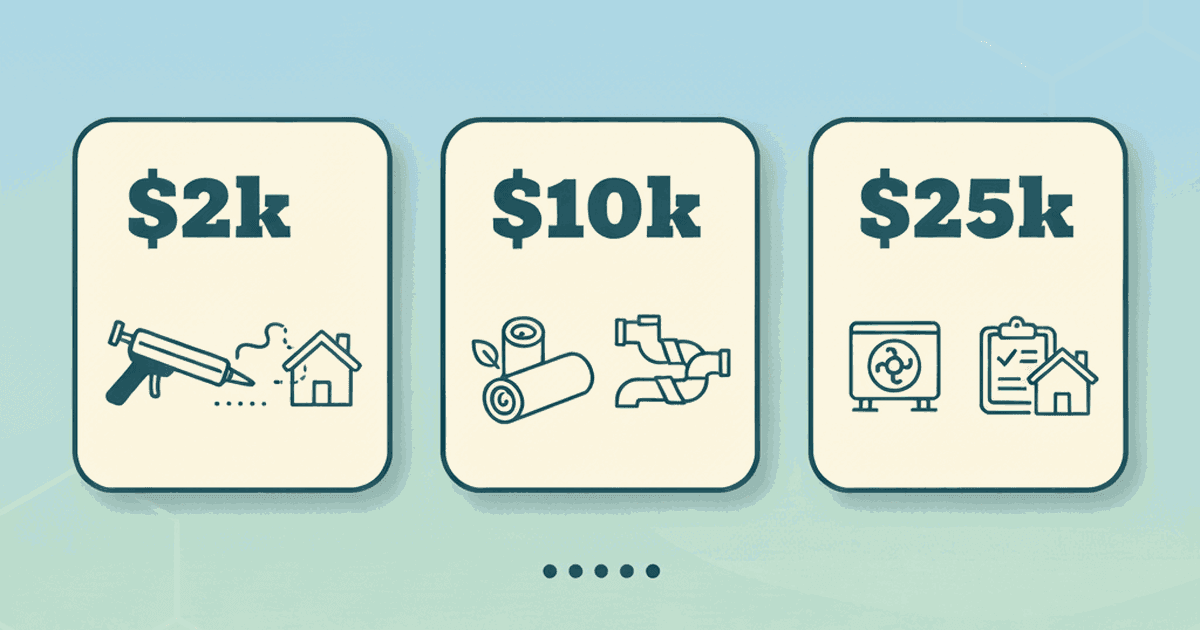
A practical playbook for spending $2k, $10k, or $25k on energy upgrades—based on your bills, comfort issues, and equipment age.
Calculate what a basement dehumidifier costs to run at your electric rate, then cut runtime with moisture fixes that often cost less.
Calculate what a 1500W space heater costs per day at your electric rate, then see cheaper comfort fixes that reduce the need for it.
Estimate heat pump running cost with a simple method: your electric rate, your heat demand, and realistic efficiency assumptions. Includes examples and pitfalls.