Blog
Smart Thermostat Settings That Actually Save Money
A practical way to set schedules, setbacks, and temperature ranges for real bill savings; includes heat pump-specific tips and simple checks to confirm results.
Smart thermostats only save money if they change how much heating and cooling your home needs.
This guide gives you a simple way to set schedules and temperature ranges that cut runtime without creating daily comfort fights. It also shows how to confirm whether the settings worked using your bills.
One-minute setup (do this first)
- Open the Programmable Thermostat Savings Calculator and plug in your heating and cooling spend.
- If you do not know those slices yet, open the Bill Breakdown Estimator and estimate them first.
- Make a quick note: do you heat with a gas furnace, a heat pump, electric baseboards, or something else?
On this page
- Quick answer: what settings usually work
- The only two ways a thermostat saves money
- Build a schedule that fits real life
- A simple starting point (heating season)
- A simple starting point (cooling season)
- A quick starting schedule by system type
- Heat pump-specific settings that avoid surprise costs
- Avoid ''deep setbacks'' in cold weather
- Watch for backup heat behavior
- If you have time-of-use rates, schedule for cost, not only temperature
- Three settings that often waste energy
- 1. ''Fan on'' all day
- 2. Too many schedule blocks
- 3. Aggressive recovery targets
- Run a two-week experiment so you know what worked
- Thermostat placement and sensors: small detail, big impact
- How to confirm your thermostat saved money (without fooling yourself)
- When a smart thermostat is not the next best upgrade
- FAQs
- How big should a thermostat setback be?
- Do smart thermostats save money with heat pumps?
- Should I use ''auto'' mode (heating and cooling)?
- What is the fastest way to get results without buying anything?
- Next steps
Quick answer: what settings usually work
Most savings come from small, consistent changes:
- Heating: lower setpoint when you are asleep or away.
- Cooling: raise setpoint when you are asleep or away.
- Keep schedules stable so you do not override them every day.
If you already keep your home close to outdoor temperature (mild heating, limited AC), a smart thermostat will not create big savings. It can still help with comfort and automation.
For the U.S. Department of Energy overview on thermostats and energy use, start here. https://www.energy.gov/energysaver/thermostats
The only two ways a thermostat saves money
A thermostat does not make equipment more efficient. It saves money by changing demand:
- Less runtime: fewer minutes of heating/cooling each day.
- Better timing: if you have time-of-use rates, shifting runtime away from expensive hours can cut costs without changing total kWh much.
Everything else (learning algorithms, geofencing, ''AI'' schedules) is optional. The core is still: setpoints and time.
Build a schedule that fits real life
Most schedules fail because they are built for an imaginary household.
Start with three blocks:
- Sleep
- Away (or ''lower activity'')
- Home (comfort)
Then match the schedule to your week, not your ideal week.
A simple starting point (heating season)
Pick a comfortable ''home'' temperature and test a modest setback:
- Home: your normal comfortable heating setpoint
- Sleep: 3°F to 6°F lower than home
- Away: 4°F to 8°F lower than home (only if the home can recover smoothly)
If you use a heat pump, keep setbacks modest; deep setbacks can trigger backup heat or long recovery runs depending on the system and the weather.
A simple starting point (cooling season)
Pick a comfortable ''home'' temperature and test a modest setup:
- Home: your normal comfortable cooling setpoint
- Sleep: 2°F to 4°F higher than home
- Away: 4°F to 8°F higher than home (if humidity and comfort allow)
If humidity is a problem in your home, prioritize steady humidity control over aggressive temperature setups.
If you are unsure whether comfort problems are equipment or house issues, Cold rooms, hot rooms: fix uneven temps before big upgrades helps you diagnose the basics.
A quick starting schedule by system type
These are starting points, not rules. Start here, live with it for a week, then adjust.
| System | Heating season schedule | Cooling season schedule | What to watch |
|---|---|---|---|
| Gas furnace + AC | deeper setbacks often OK | moderate setups OK | recovery time, comfort swings |
| Heat pump (no backup) | modest setbacks | modest setups | long recovery runs in cold snaps |
| Heat pump + electric backup | modest setbacks | modest setups | backup heat usage spikes |
| Dual-fuel (heat pump + furnace) | modest setbacks | modest setups | lockout settings and staging |
If you do not know what you have, check the thermostat mode labels and look at the outdoor unit. A heat pump outdoor unit looks like an AC condenser, but it runs in heating season too.
If you are considering a heat pump soon, run the Heat Pump vs Furnace Calculator alongside this guide so you do not build a schedule that triggers expensive backup behavior.
Heat pump-specific settings that avoid surprise costs
Heat pumps are efficient, but controls matter.
Avoid ''deep setbacks'' in cold weather
If you drop the thermostat far below your normal setpoint, the system may:
- run for a long time to recover, or
- call backup heat depending on your setup.
Try a small setback first, then check the next bill and comfort.
Watch for backup heat behavior
If your home has:
- electric resistance backup, or
- a dual-fuel gas furnace backup,
your thermostat has settings that determine when backup runs.
If you are in a dual-fuel setup, read Dual-fuel heat pump + furnace backup: when it makes sense so your lockouts match your goals.
If you have time-of-use rates, schedule for cost, not only temperature
Some utilities charge more during peak hours (often late afternoon and evening). If you are on time-of-use pricing, you can sometimes cut costs even if total kWh stays similar.
A practical approach:
- In summer, cool earlier before peak pricing starts, then allow a small setup during peak.
- In winter, avoid large recovery runs during expensive hours if your rate structure penalizes them.
The Bill Breakdown Estimator helps here because it forces you to use your real rate structure, not an assumed national average.
Three settings that often waste energy
1. ''Fan on'' all day
Running the blower fan nonstop can increase electricity use and can move humidity around in ways you may not want. Auto fan mode is a safer default for most homes.
2. Too many schedule blocks
If you have six temperature changes per day, you will override them. Keep it simple and stable.
3. Aggressive recovery targets
Some thermostats try to hit your morning comfort temp at a specific time by starting equipment early. That can be fine, but it can also erase setback savings if the thermostat starts recovery too early. If your home warms up quickly, you can delay recovery.
Run a two-week experiment so you know what worked
Thermostat settings are easy to ''feel'' but hard to measure.
Try this simple experiment:
- Week one: keep your current schedule, but stop manual overrides unless comfort is truly bad.
- Week two: apply one change only (for example, a 4°F heating setback during sleep).
Then compare:
- Thermostat runtime trends (many apps show daily hours).
- Comfort complaints (did any room become a problem?).
- A bill period or utility portal usage trend, if you have access.
If comfort gets worse, do not force it. Comfort problems usually point to envelope or duct issues, not thermostat failure.
Thermostat placement and sensors: small detail, big impact
If the thermostat is in a hallway that stays warm, or in a sunny spot, it can make the whole system behave badly.
Common issues:
- Sun hits the thermostat; the system runs less and far rooms get cold.
- Thermostat is near a return; it reads warmer or cooler than living areas.
- Doors are usually closed, so bedrooms drift while the hallway looks fine.
If your thermostat supports remote sensors, placing one in the room that drives complaints can reduce overrides and stabilize comfort. That is a real ''savings'' path because fewer overrides means fewer hours at extreme setpoints.
If remote sensors reveal big room-to-room differences, come back to Cold rooms, hot rooms and fix the cause instead of masking it with a schedule.
How to confirm your thermostat saved money (without fooling yourself)
Do not judge success based on one week.
Use this approach:
- Pick a baseline month (or two) from last year for the same season.
- Compare to the same month this year.
- Use daily averages, not only total bill amount.
Your utility may show degree days or temperature context in the online portal. If you have access to that, use it. If not, focus on trends over multiple billing cycles.
The Bill Breakdown Estimator helps you avoid the most common mistake: assuming the entire bill is heating/cooling when a chunk is fixed fees, hot water, or plug loads.
When a smart thermostat is not the next best upgrade
If your bills are high because:
- your attic insulation is weak,
- your ducts leak,
- your house has big drafts,
then thermostat tuning helps, but envelope work often moves the needle more.
Start here:
Then revisit thermostat settings after the house holds temperature better.
FAQs
How big should a thermostat setback be?
Start small. A 3°F to 6°F heating setback and a 2°F to 4°F cooling setup are common starting points. If comfort stays good and recovery is smooth, you can test larger changes.
Do smart thermostats save money with heat pumps?
They can, but heat pumps prefer steady operation. Savings often come from modest schedules, not aggressive setbacks. If you see backup heat running more, dial back setbacks.
Should I use ''auto'' mode (heating and cooling)?
Auto changeover can be convenient in shoulder seasons, but it can also create more equipment cycling in some homes. If your climate swings rapidly day to day, it can help. If it causes short cycling, pick heat or cool manually for a few weeks at a time.
What is the fastest way to get results without buying anything?
Set one stable schedule and stop overriding it. Then compare two billing cycles. Many households get more from consistency than from a new device.
Next steps
- Run the Bill Breakdown Estimator and confirm how much of your bill is heating and cooling before you chase minor tweaks.
- If you are planning bigger HVAC changes next year, map them in the Upgrade Timing Planner so you can pair thermostat changes with duct and insulation fixes.
Try the companion tool
This post links to an interactive tool built for this topic. Open it to see numbers tailored to your home.
Open the toolGet practical energy tips
Join homeowners getting practical tips on cutting energy bills and staying comfortable.
Practical tips only. Unsubscribe anytime.
Read this next
Related guides selected by topic overlap and upgrade path.
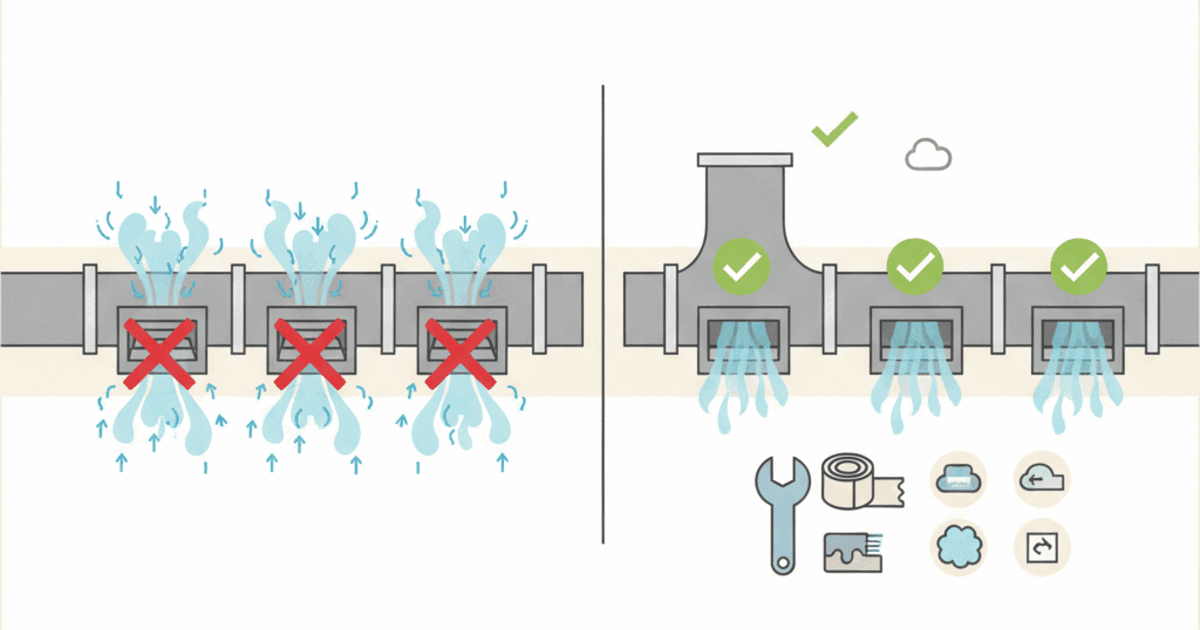
Closing supply vents feels like it should cut your bill, but it often increases duct leakage, reduces comfort, and can stress HVAC equipment. Here is what to do instead.
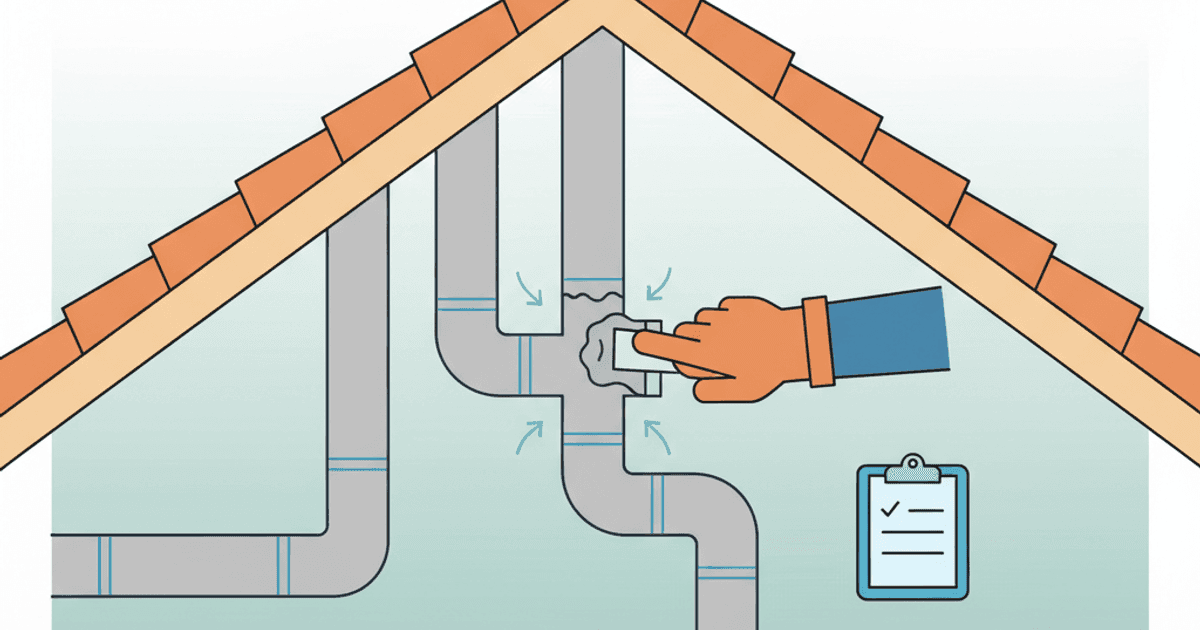
Learn what duct sealing fixes, what it costs, and the questions that separate real work from spray-and-pray.
Calculate what a 1500W space heater costs per day at your electric rate, then see cheaper comfort fixes that reduce the need for it.
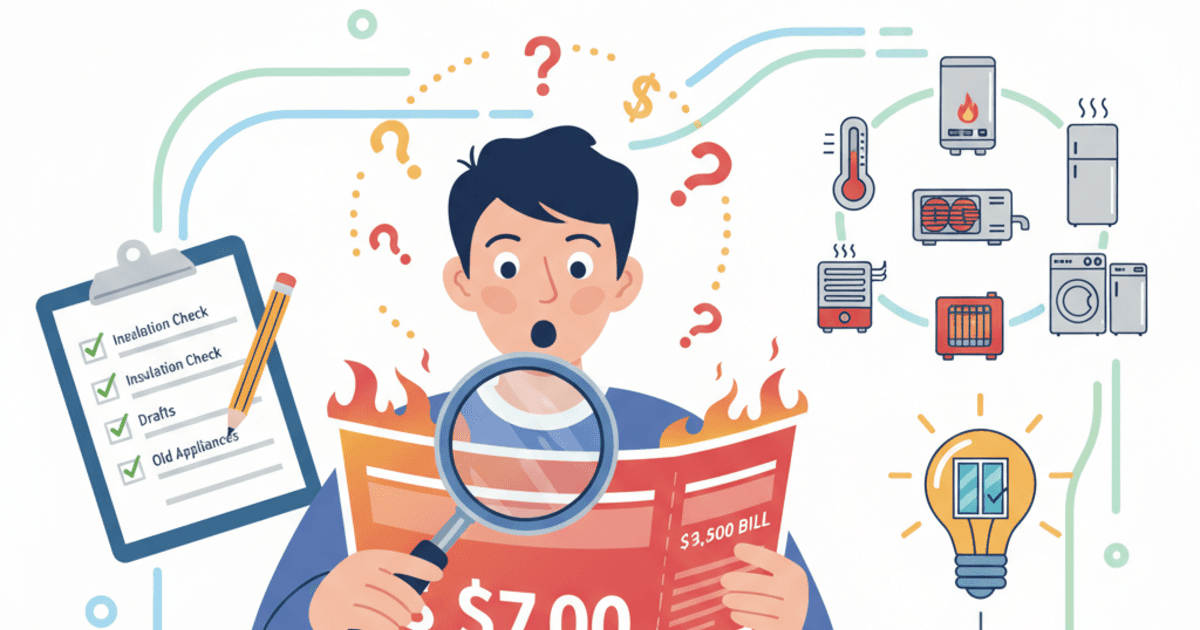
Why your energy bill is so high, even all of a sudden. Rank the real culprits, run a 20-minute diagnosis with your meter and bill, and fix the right thing first.